For lighting installers
From photo to lit design to signed job.
Show homeowners their own house lit up at night before you leave the driveway. Then send a priced proposal they can approve from their phone, while they still love what they saw.
Mock-ups that sell the job
Mock-ups that make the homeowner say yes
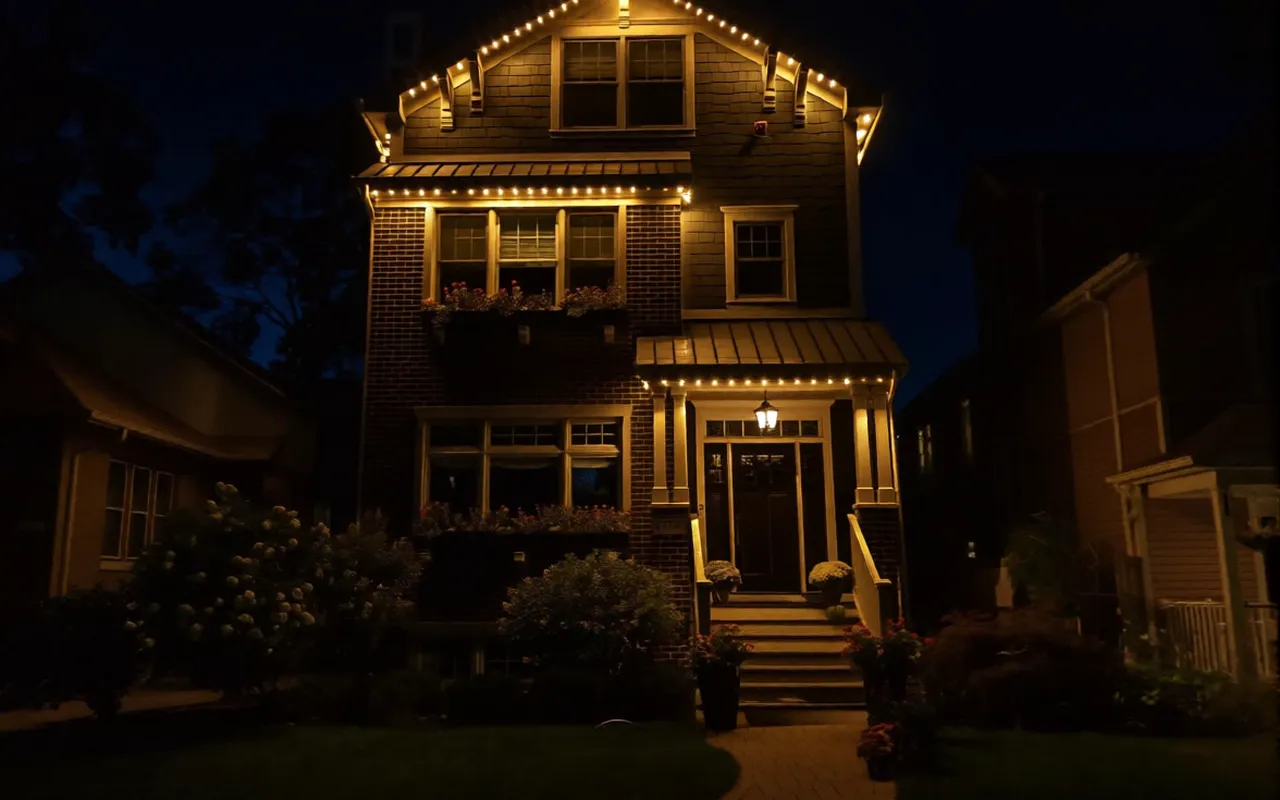
Most homeowners can't picture lights from a sketch or a photo of someone else's house. Show them their own home, lit up the way you'd hang it, and the decision gets a lot easier.
Let them flip the switch
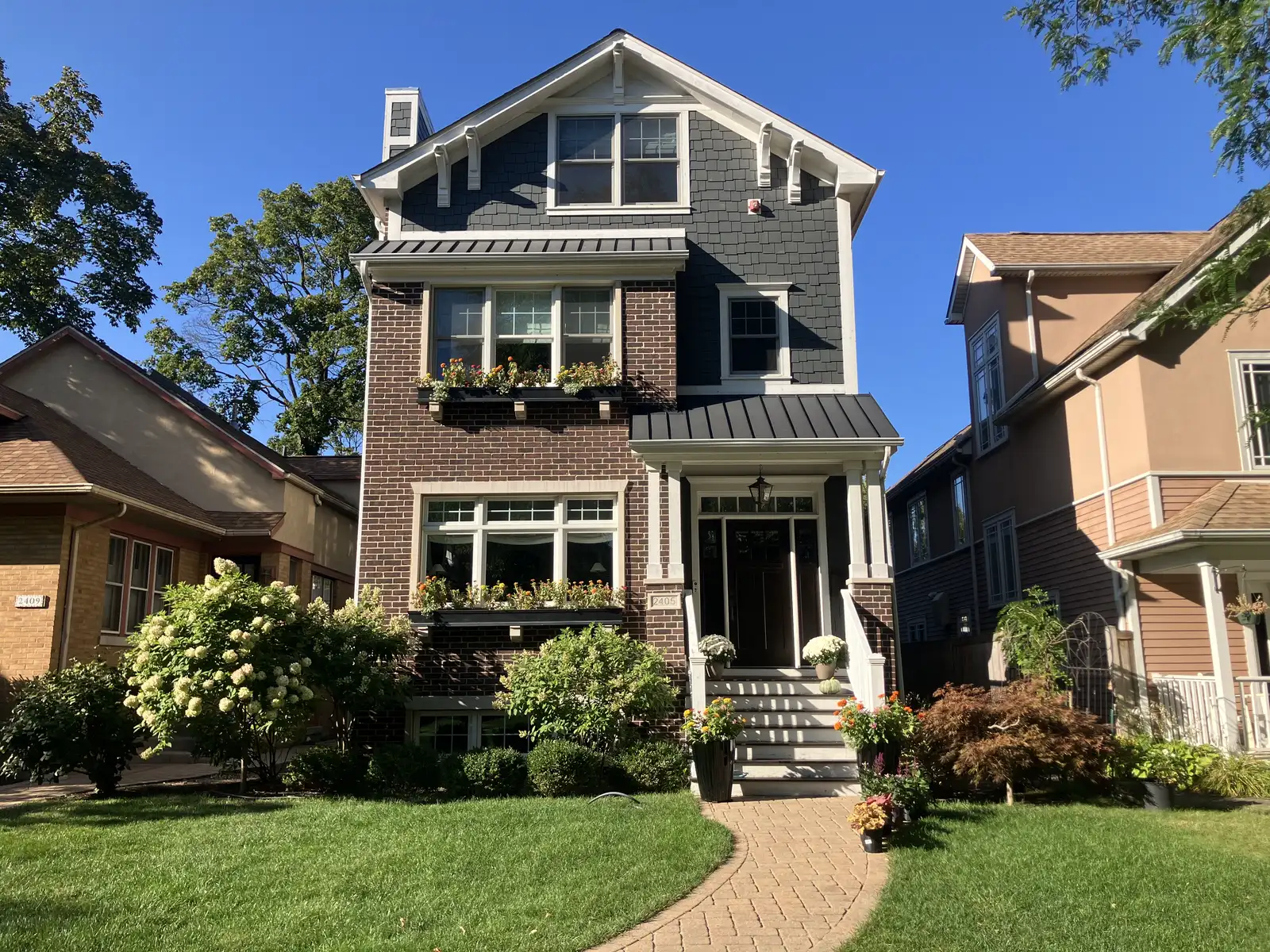
Every option on your proposal comes with a day-to-night slider. The homeowner drags it across their own house and sees exactly what you'll add.
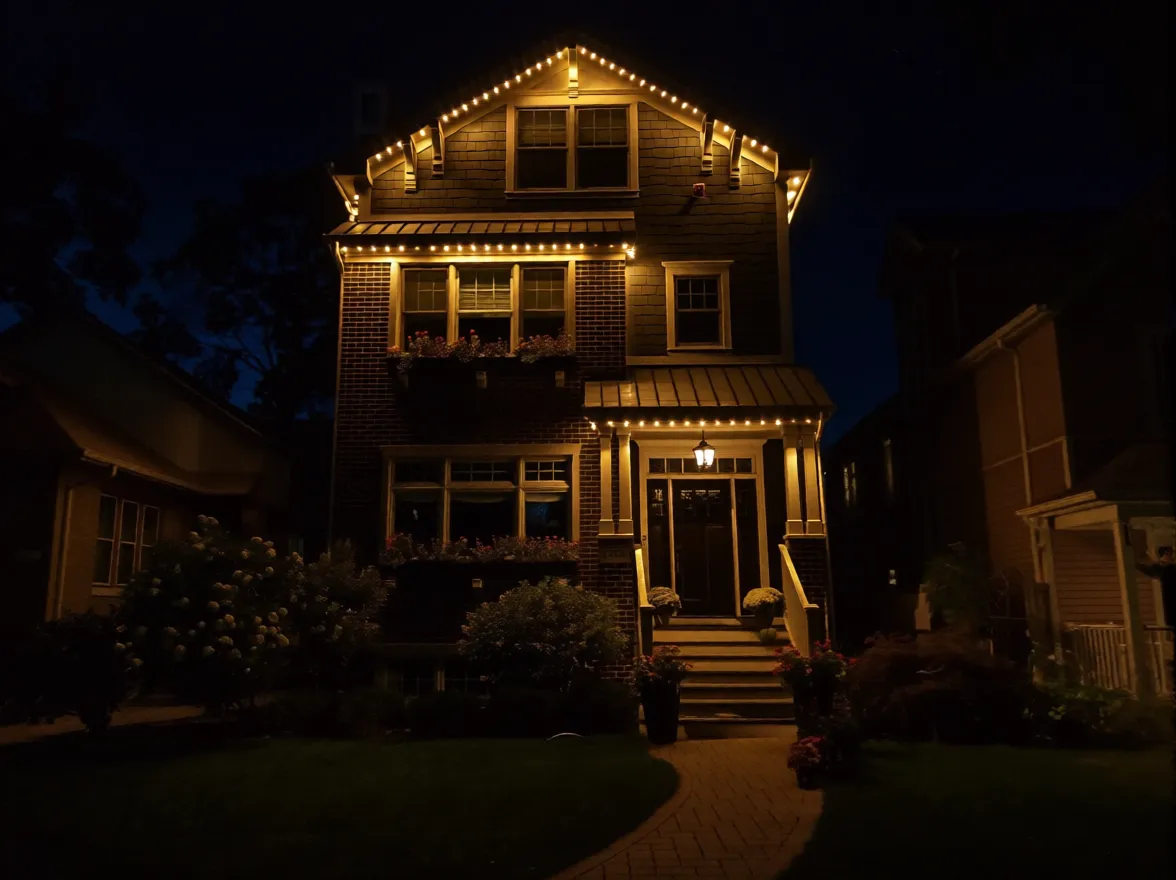
White or color? Show them both.
Render the same design in any color scheme. Instead of trying to imagine it, the homeowner points at the one they love.
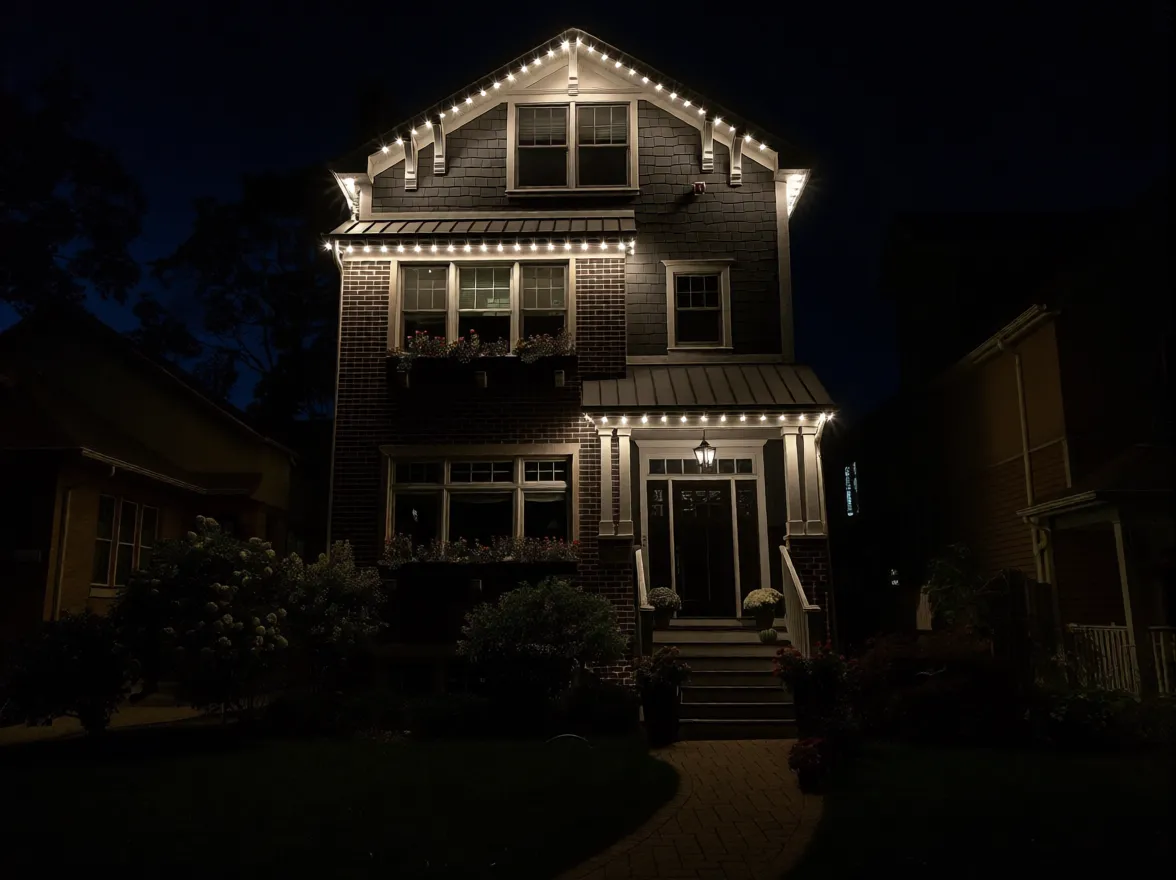
Cool white
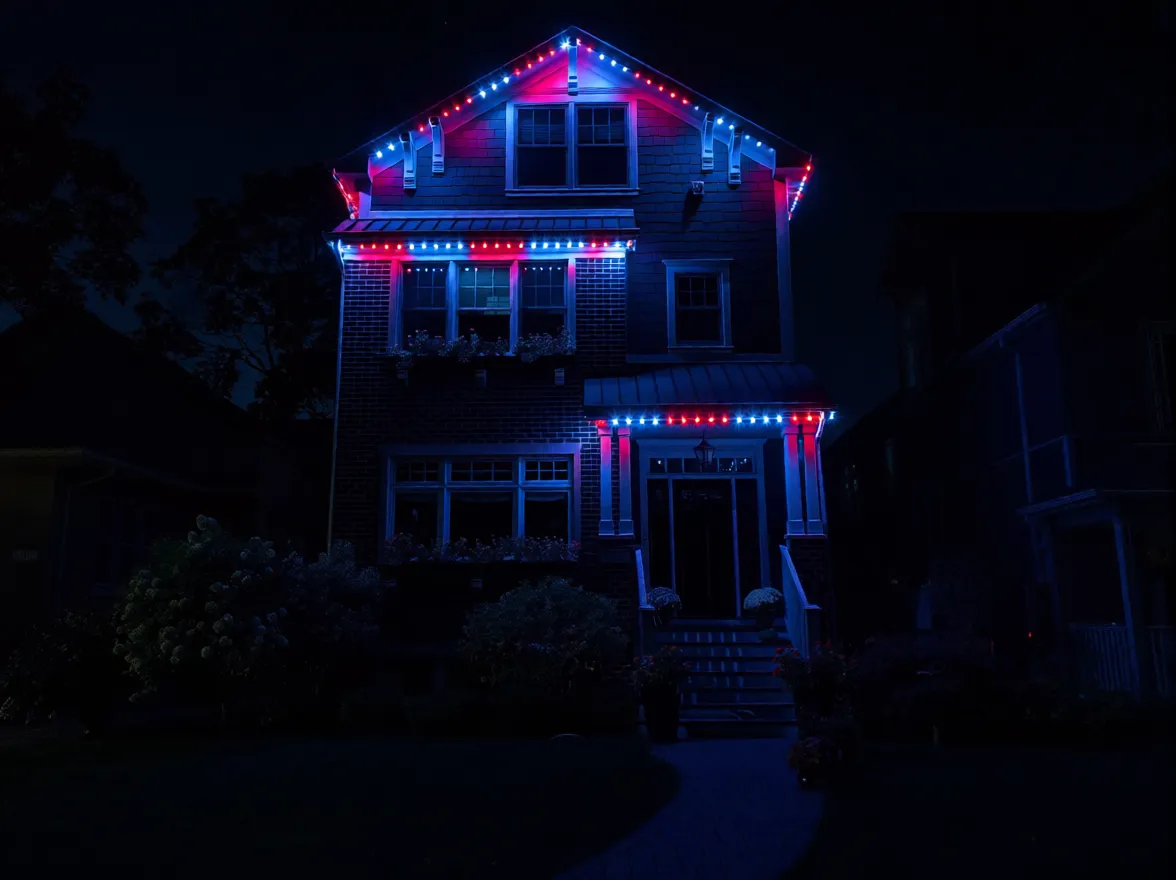
Red and blue
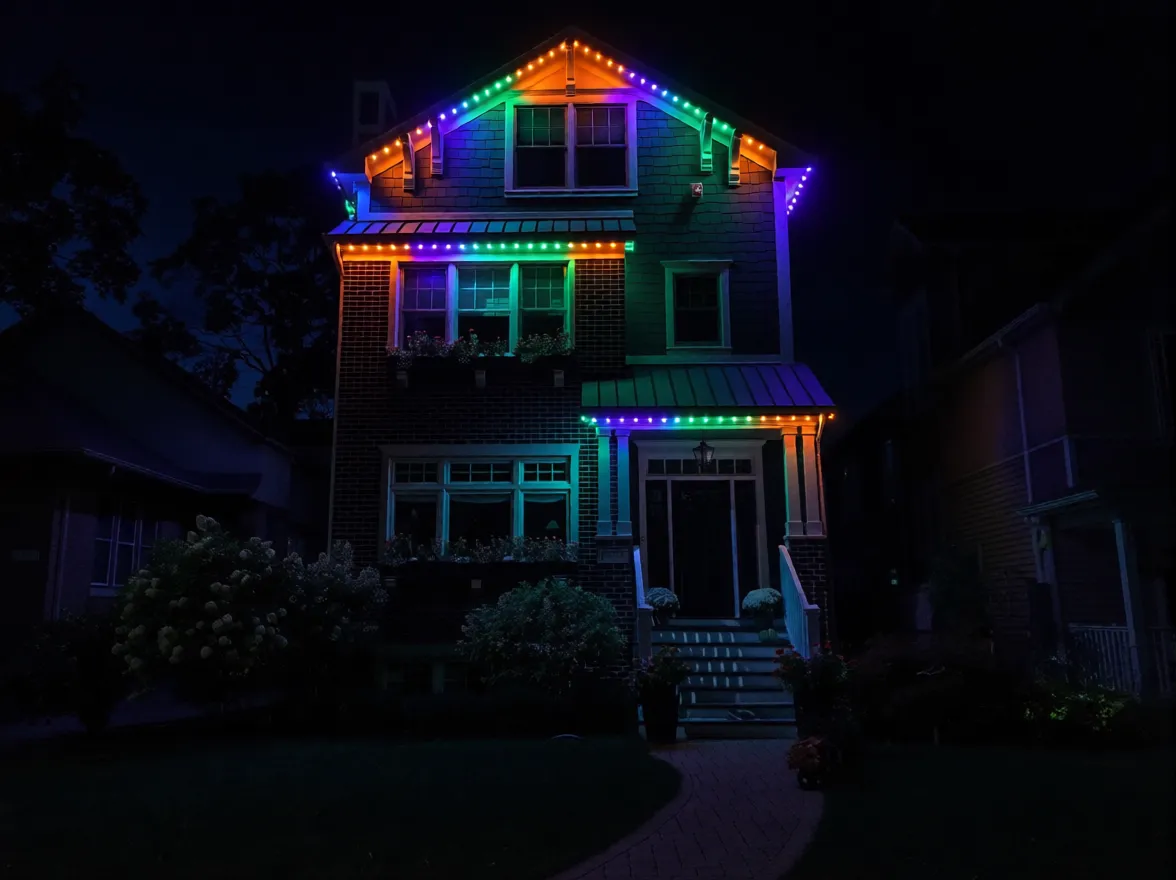
Multicolor
How it works
From the driveway to a signed job
No juggling a camera roll, a spreadsheet, a texting app and a PDF. The whole quote, from first photo to approval, happens in one place.
- 1
Snap a photo of the house
Every quote starts with one photo from the driveway. It becomes the customer’s card in your list and the canvas for their design.
- 2
Design it on their house
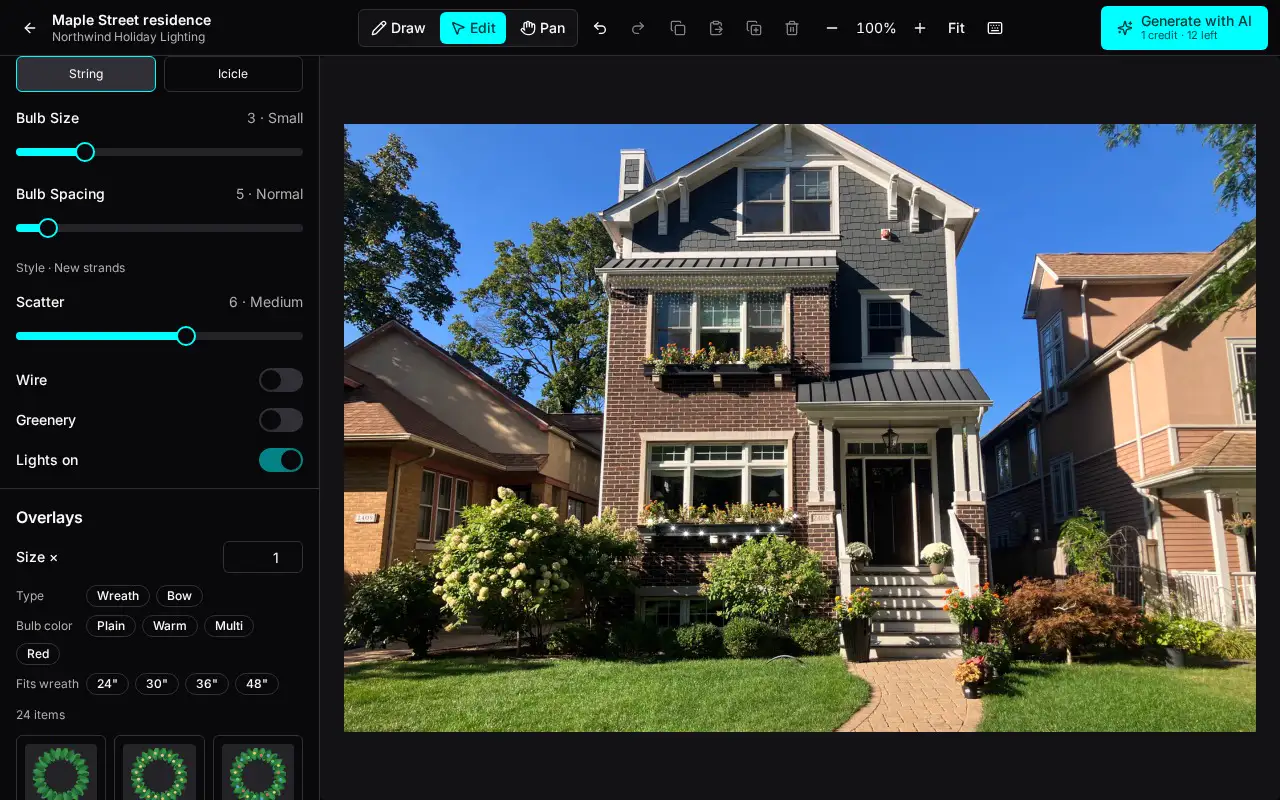
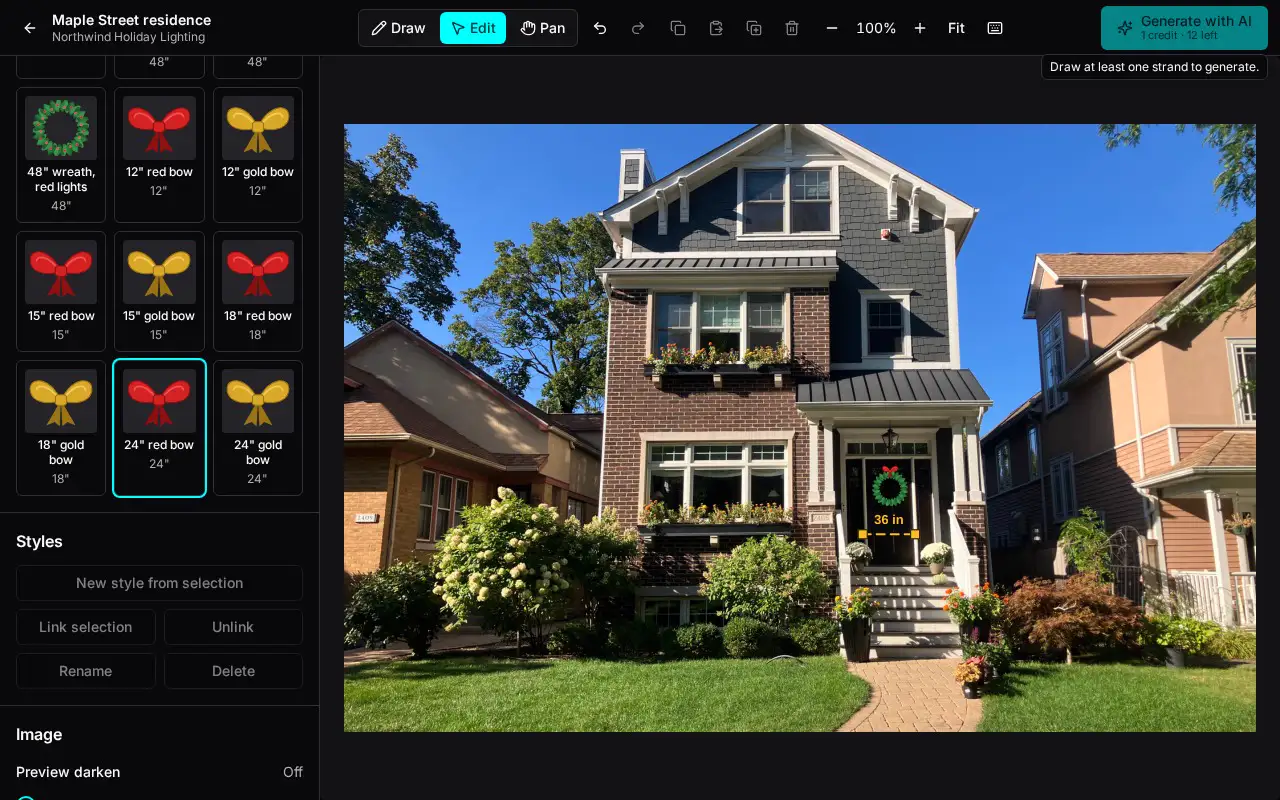
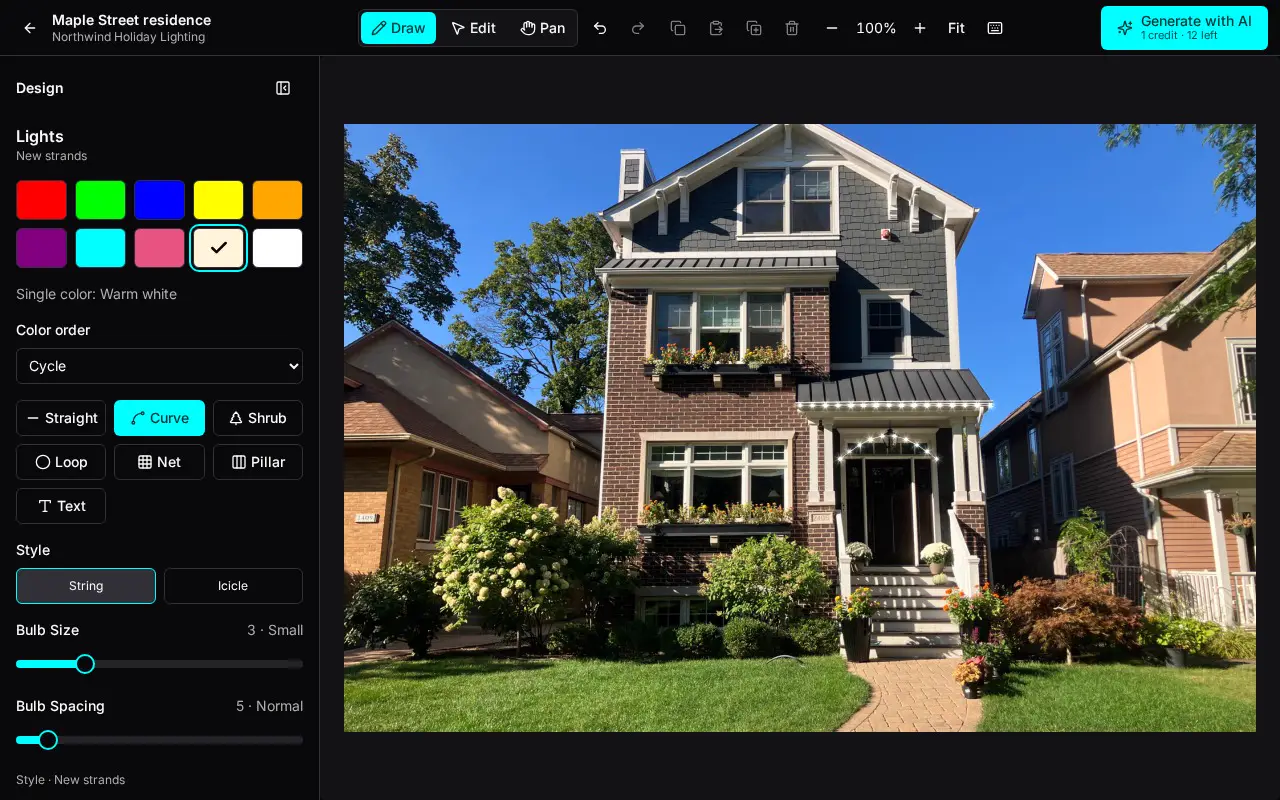
Trace the rooflines, wrap the trees, hang the wreath. You’re designing on their actual home instead of describing it over the phone.
- 3
Press Generate
AI turns your layout into a beautiful nighttime shot of their home, lit exactly where you drew it. This is the picture that sells the job.
AI night render - 4
Give them Good, Better and Best
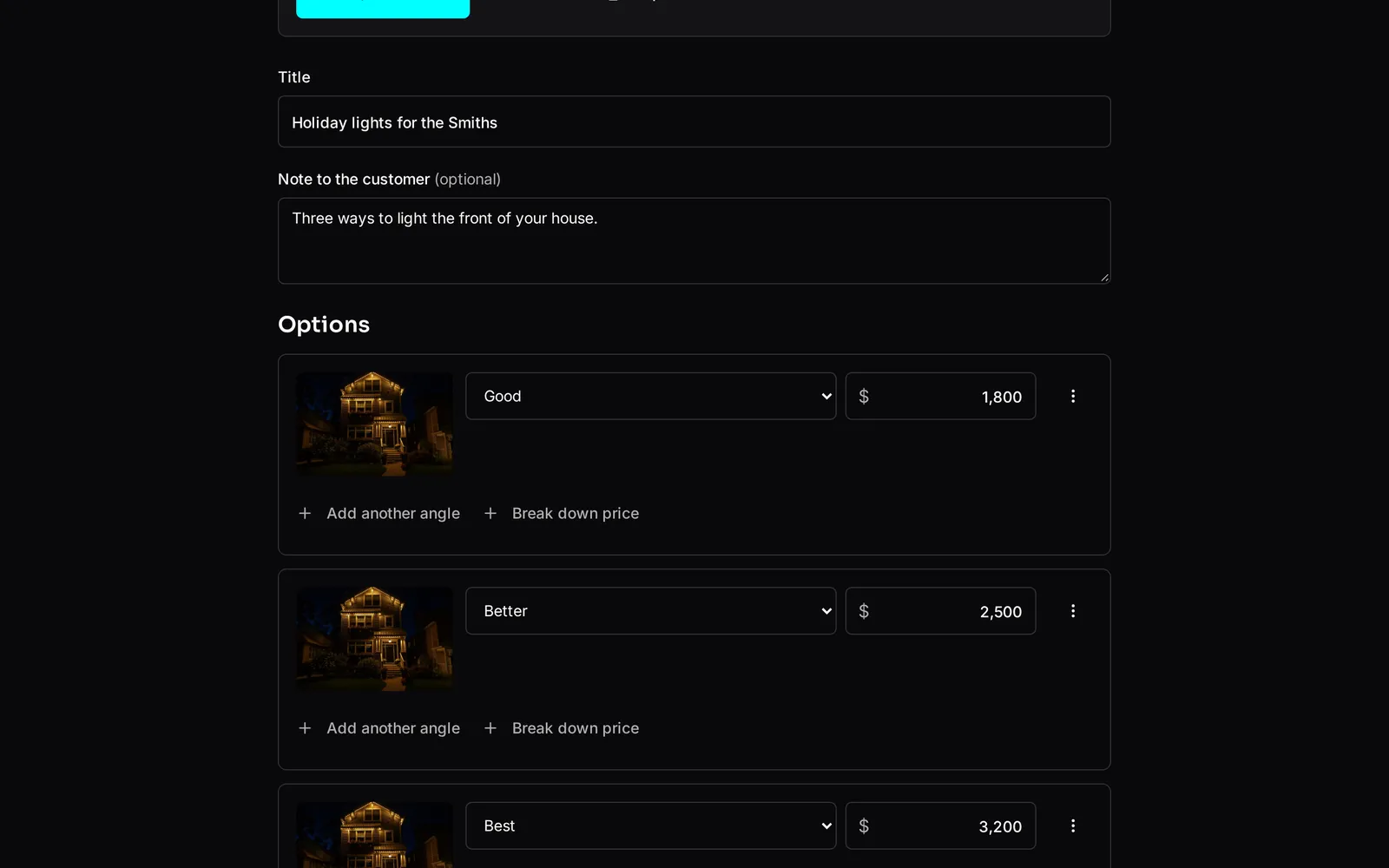
Offer three choices instead of one take-it-or-leave-it number. Price each option, add extras like a controller, and include your terms.
- 5
Send one link
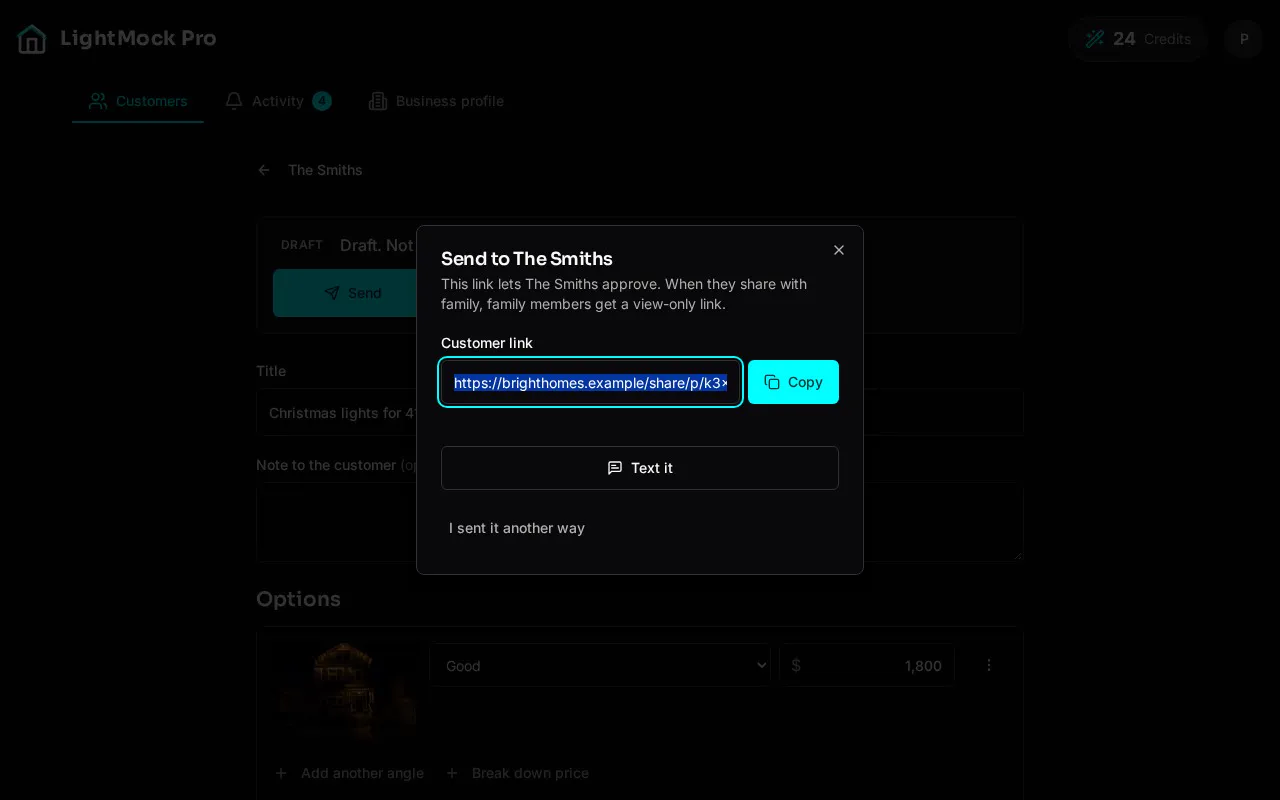
Text it or copy it without leaving LightMock. There’s nothing for the homeowner to download, and nothing to get lost in their inbox.
- 6
They approve, or tell you what to change
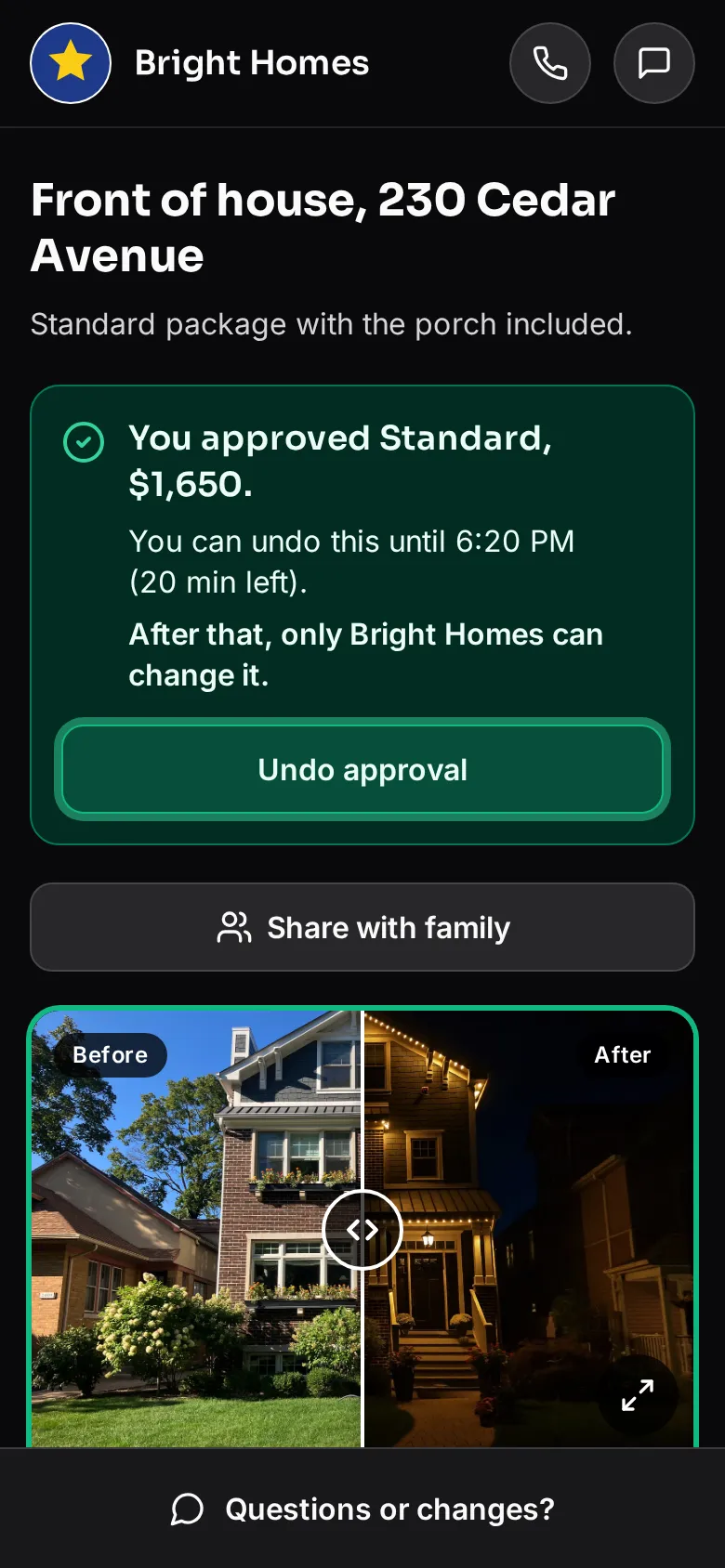
The homeowner picks an option and approves with their name, right from their phone. Want to skip the bushes or swap a color? They can send feedback on the whole proposal or on any one design, and it comes straight to you.

- 7
Take it to install day
Each customer page keeps the proposals, designs and history together. Set the status and install date, and call or text without digging for their number.
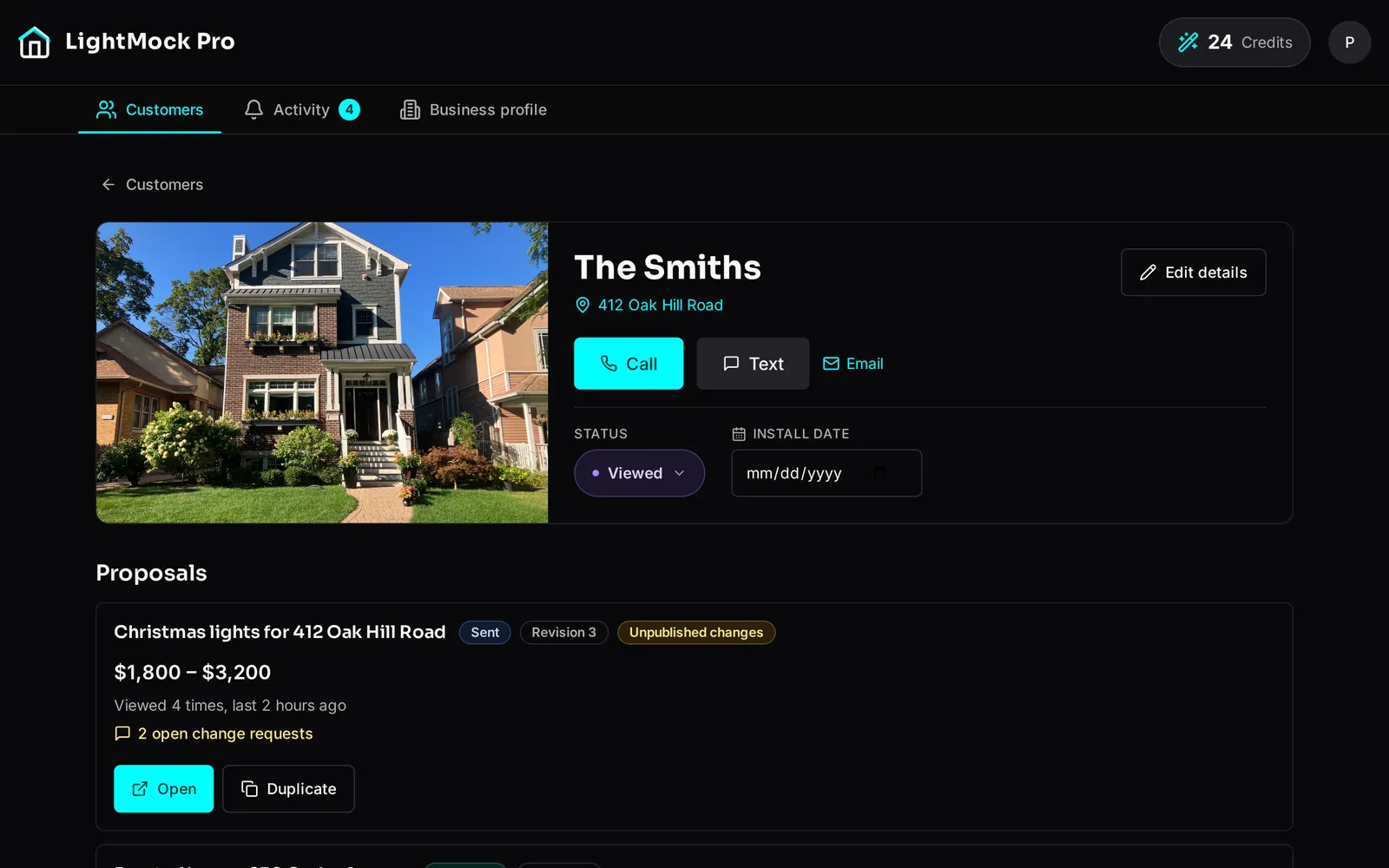
Know where every job stands
Call the right customer before the quote goes cold
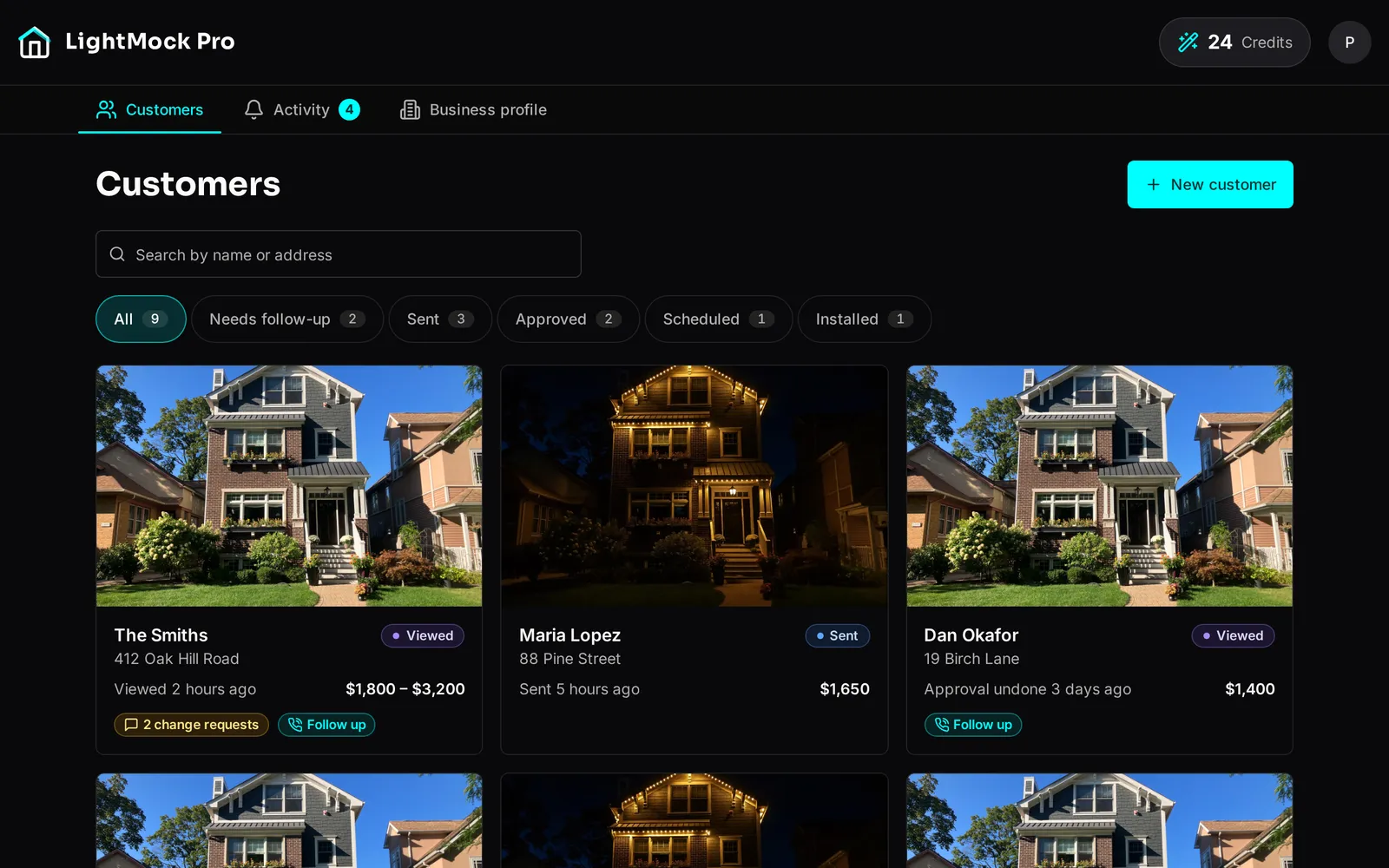
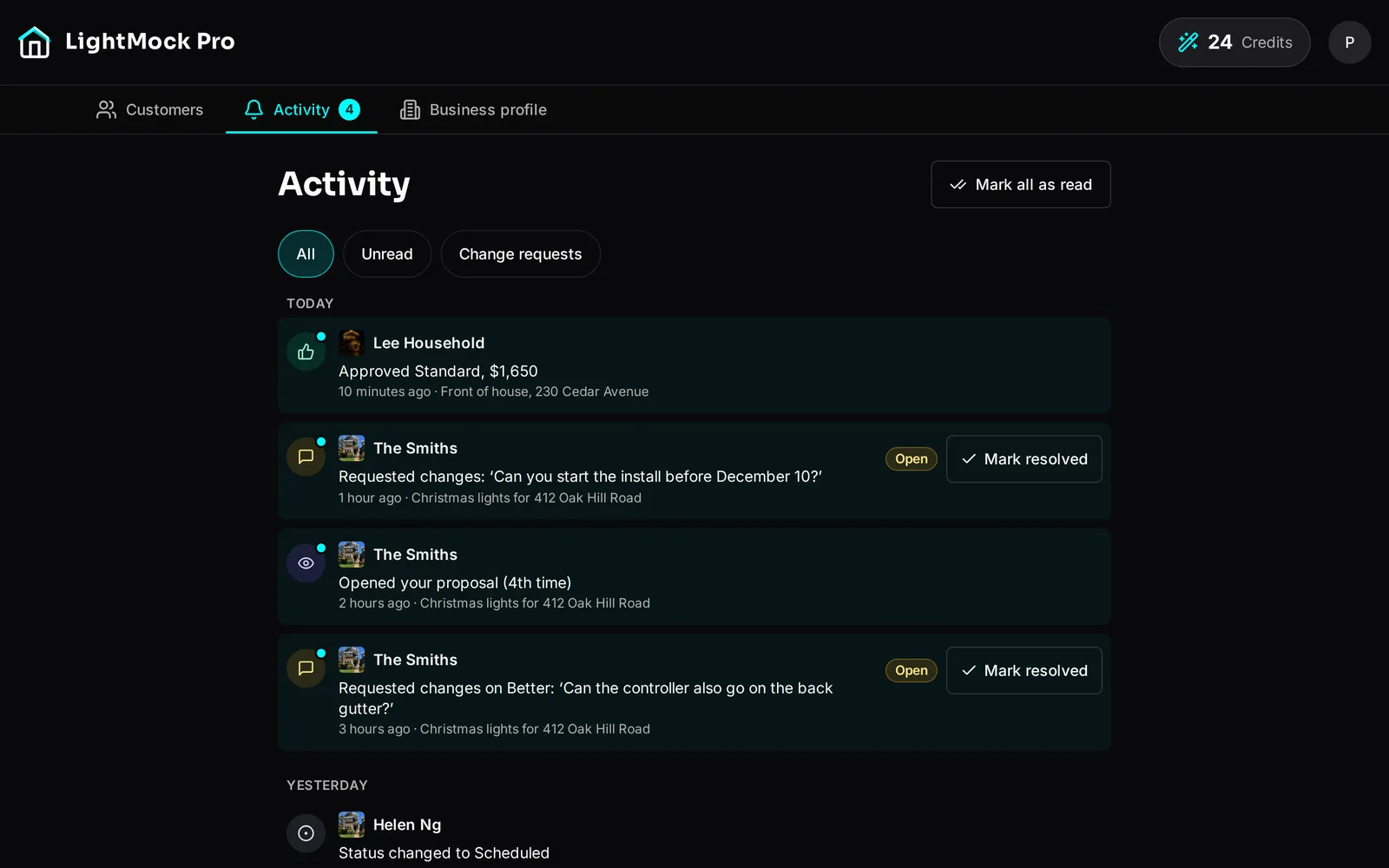
In peak season, quotes slip through the cracks. LightMock shows you the moment a homeowner opens or approves a proposal, and flags who needs a follow-up, so your calls go where they count.
- Lead
- Sent
- Viewed
- Approved
- Scheduled
- Installed
Your brand, not ours
Look like the established company in town
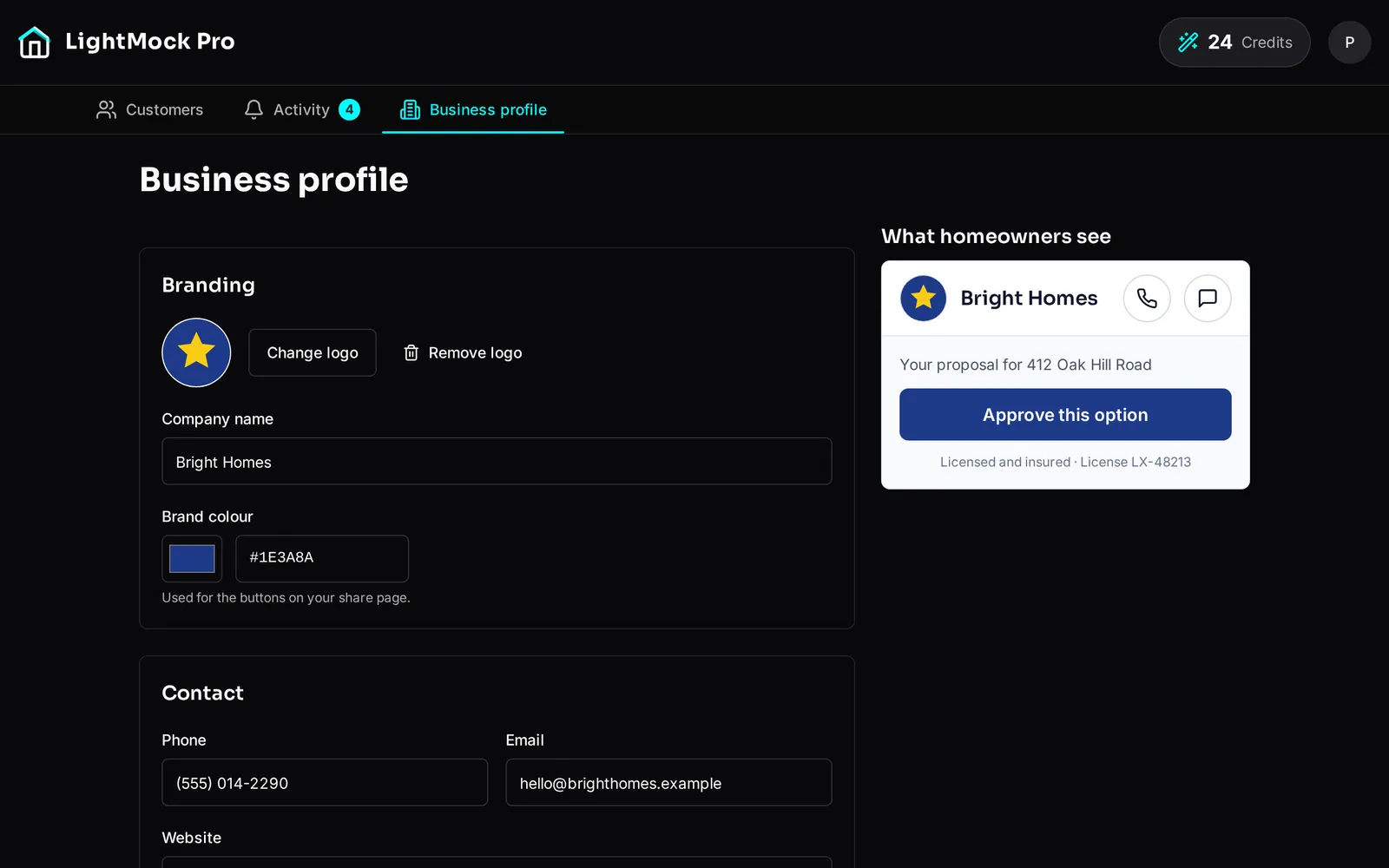
Homeowners trust big jobs to companies that look like they have it together. Set up your profile once, and every page and PDF goes out under your name.
- Your logo and company name at the top of every proposal
- Your brand color on the buttons homeowners tap, Approve included
- Your contact details, license number and terms filled in for you
- A clean PDF for customers who want it on paper, with the approval record on it
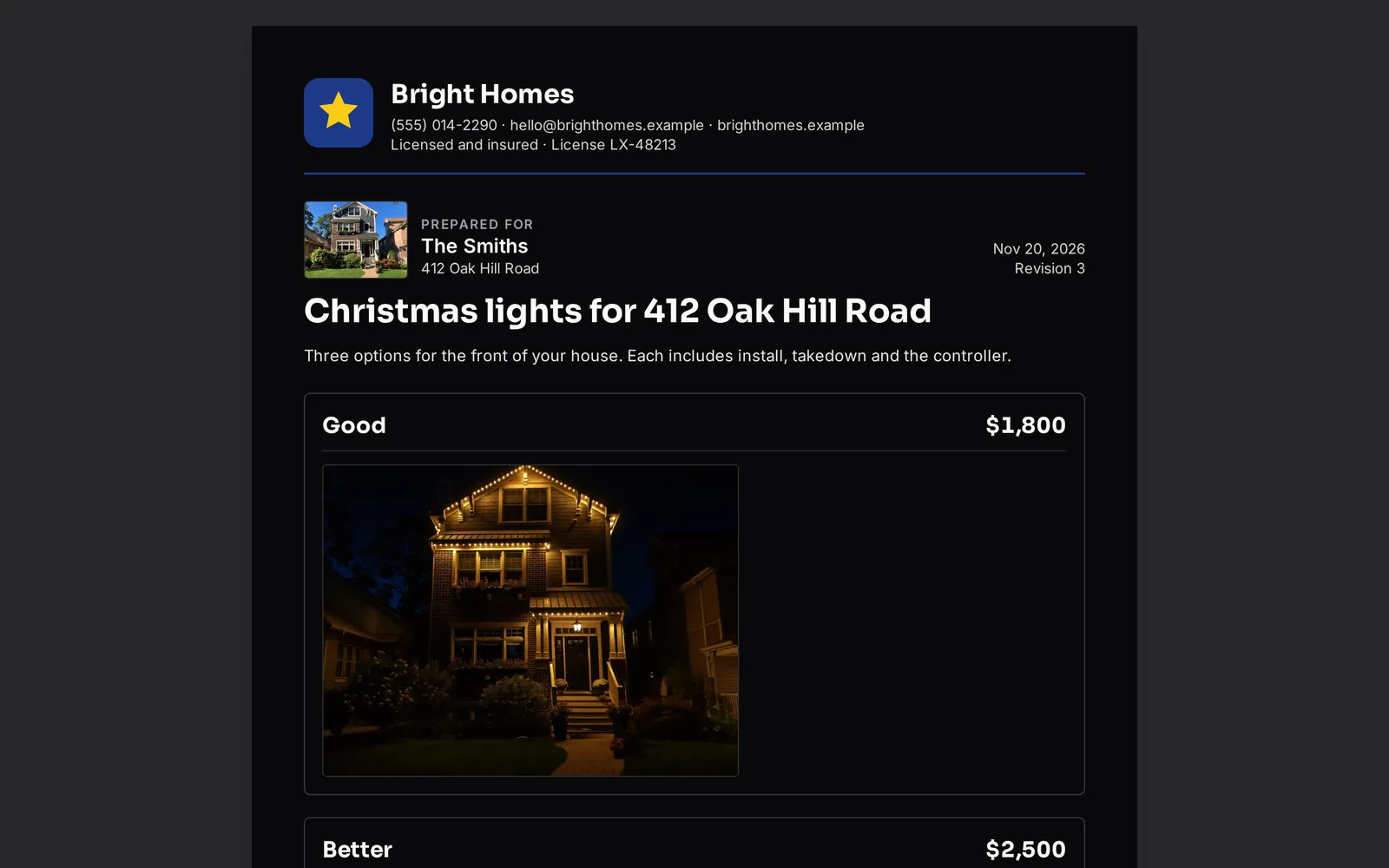
What your customer sees
Easy to say yes to, from the couch or the driveway
No logins, no downloads, no squinting at attachments. Your customer taps one link and sees their house, their options and their price, all under your name.
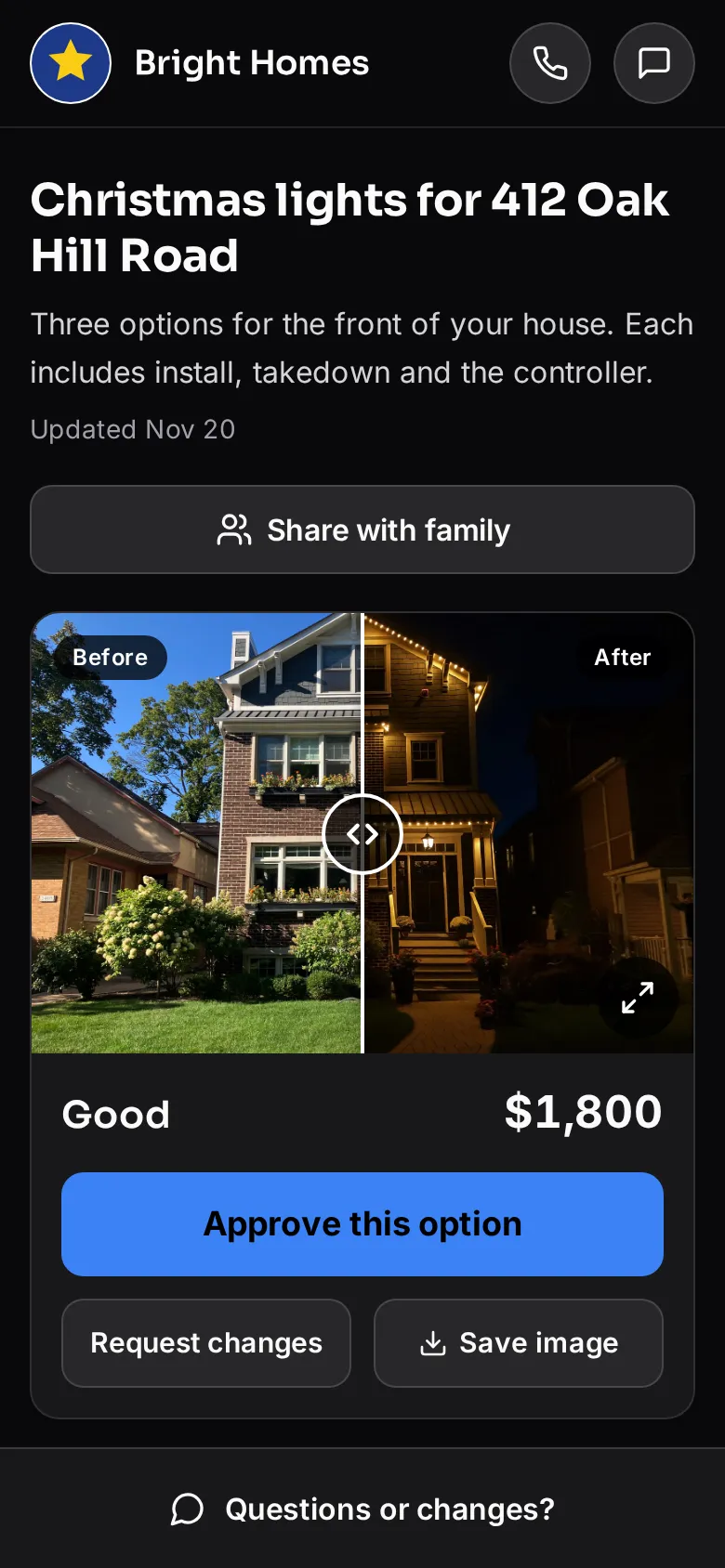
Their house, every option
A day-to-night slider on each option, the price right beside it, and full-screen photos they can pass around the kitchen table.
A yes that feels safe
They approve with their name and a checkbox, then get 30 minutes to undo. Saying yes doesn’t feel like signing their life away.
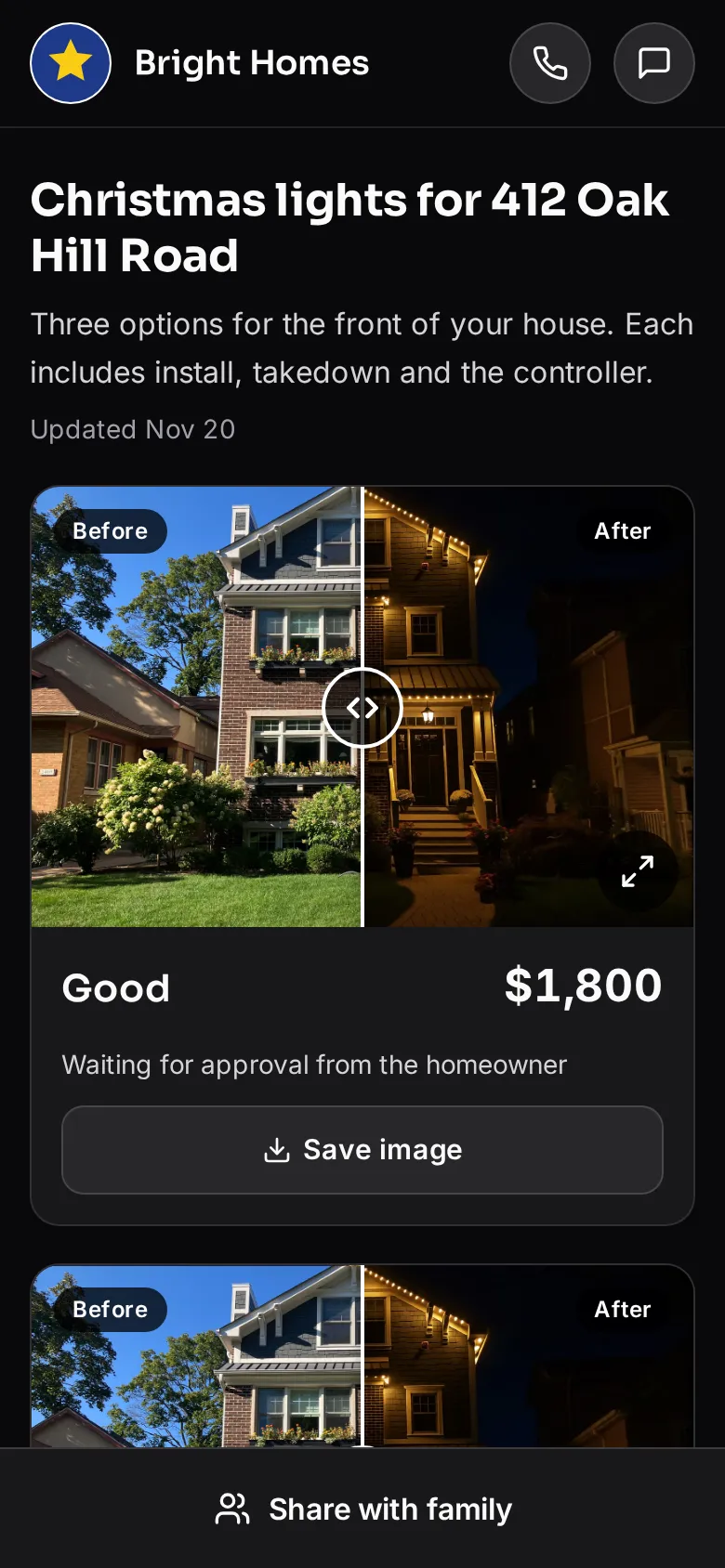
A link for the whole family
Send a view-only link to the spouse or the in-laws. Everyone can look, and only the homeowner can approve.
Try your own numbers
What would a few more yeses be worth this season?
Put in how many jobs you quote, what a typical job is worth, and how many more you think you'd close when homeowners can see their house lit up first.
Estimated extra revenue per season
$12,000
40 jobs quoted × $3,000 average job × 10% more won
This is an illustration with assumed numbers, not a measured result or a promise. Replace the starting values with your own.
Make it happen.
That's $12,000 worth chasing. Start your 5-day free trial, mock up a real customer’s house, and send your first proposal before it ends.
One plan, everything included
$50 a month after a 5-day free trial.